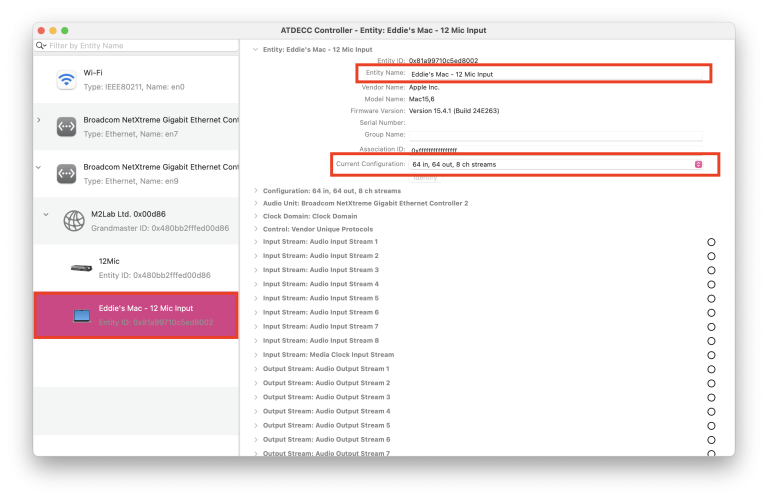
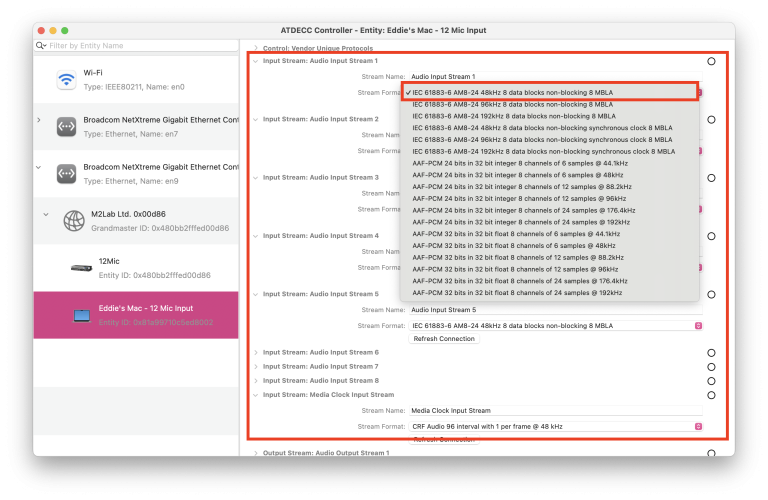
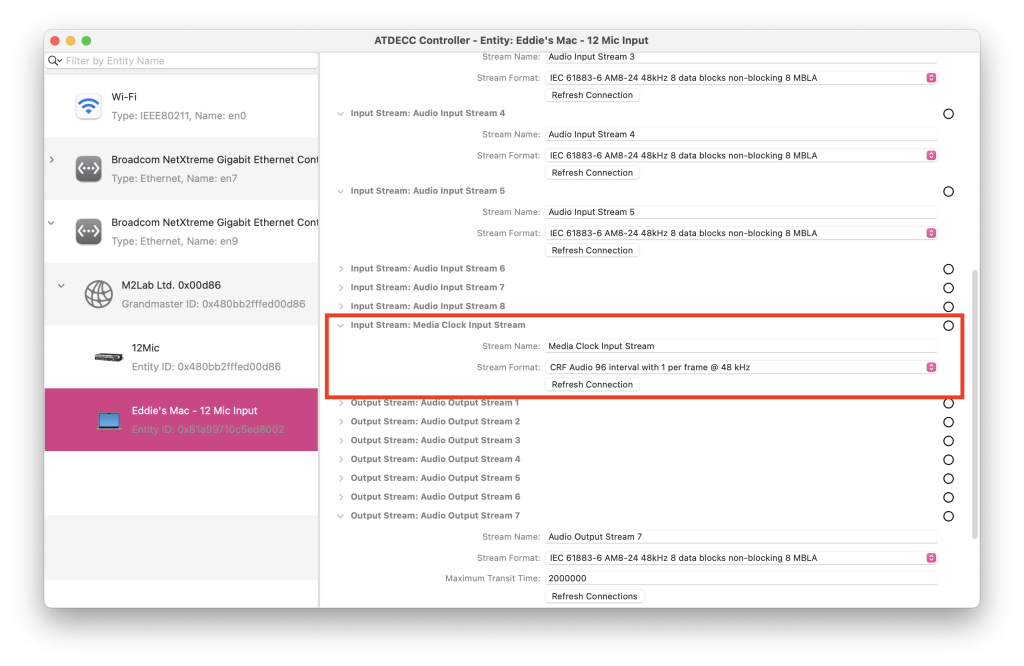
Let’s now take a look at the 12 mic. We’ll need to make sure both entities have matching input, output and clock stream formats.
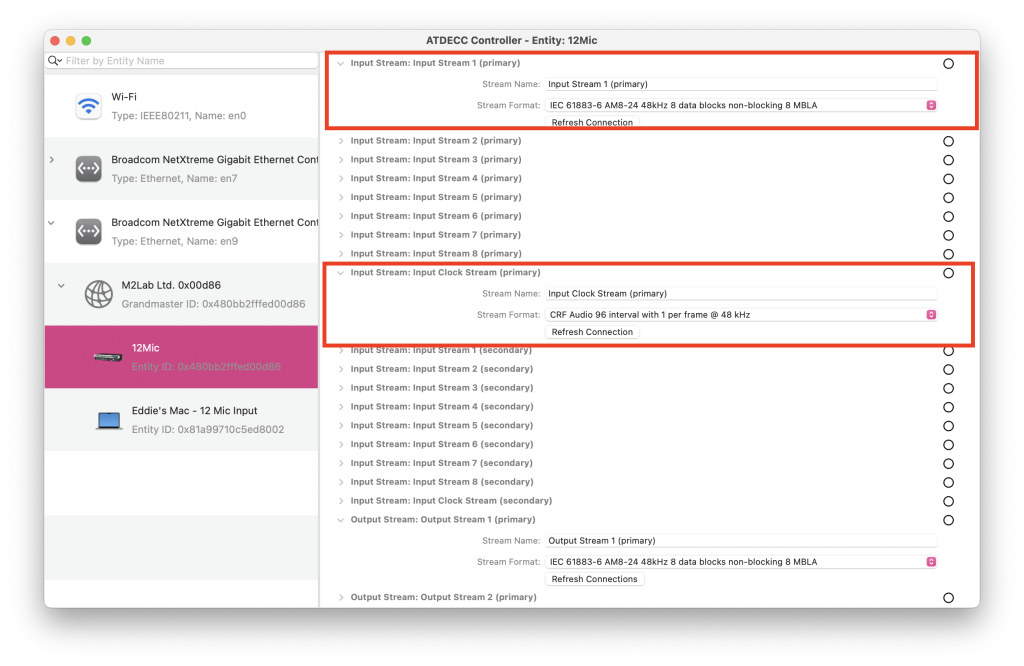
Now we have all our audio input, output and clock streams using the same stream format, we can move onto the second to last step, which is the grandmaster AVB routing. This page is also useful to see whether you have matched all the I/O and clock streams to the same format.
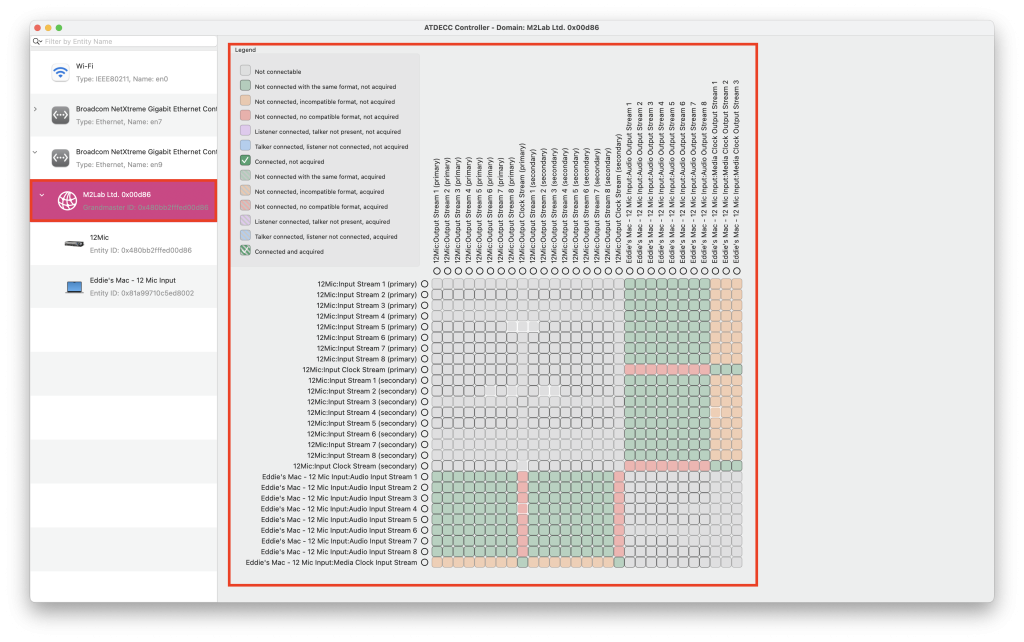
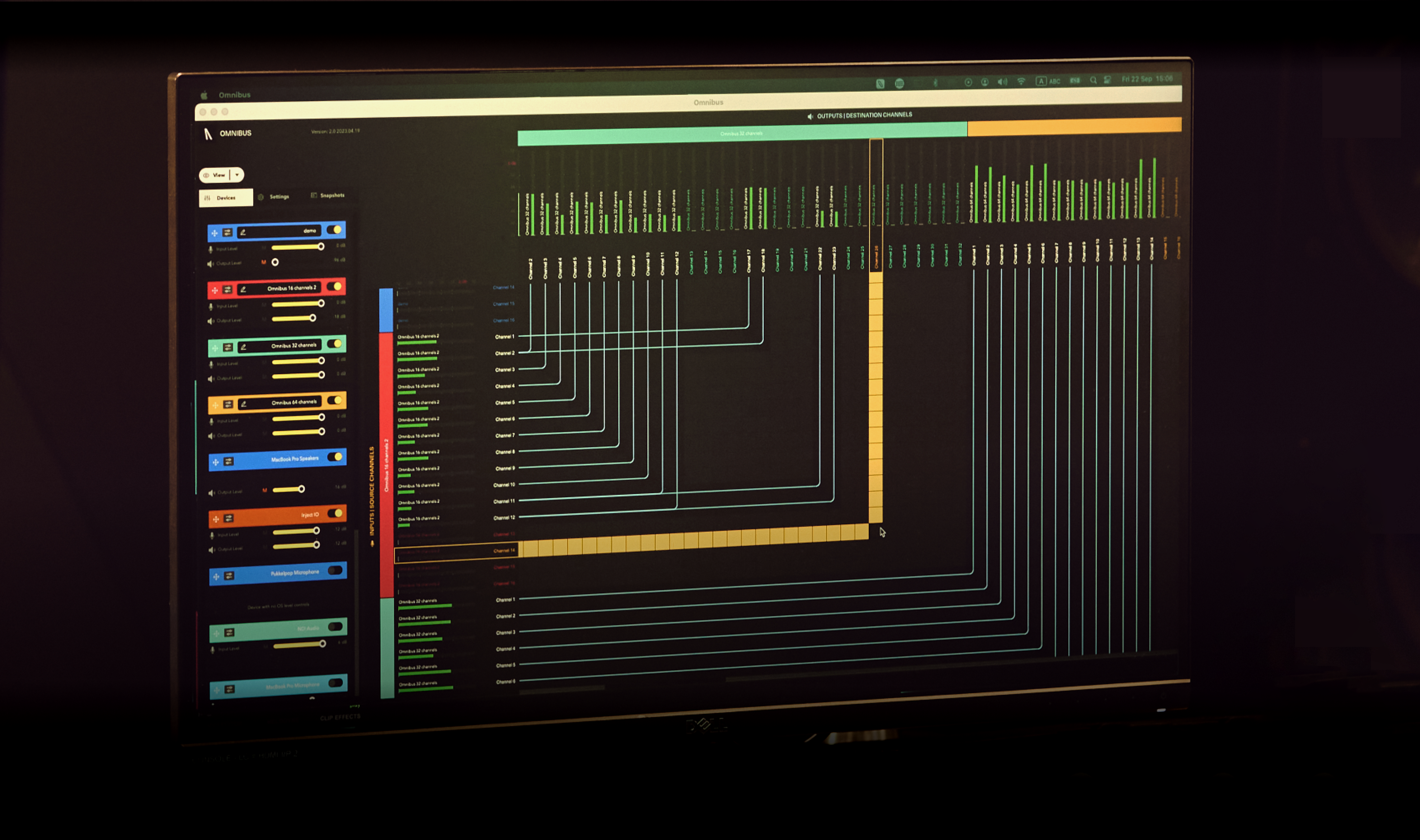
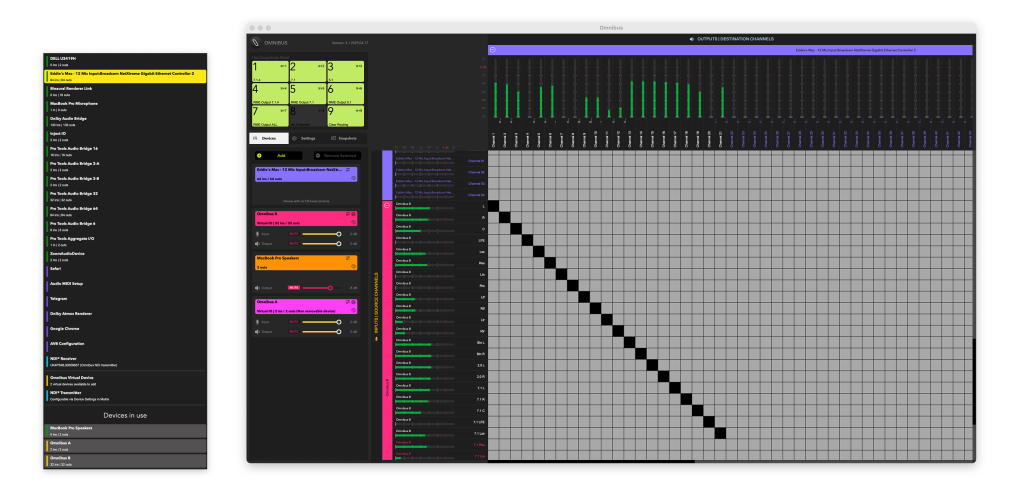
This window is essentially your Mac’s AVB entity routing matrix, this is where you are able to route and combine multiple AVB devices together to communicate with your Mac.
You’ll see that the cells which corroborate my 12 mic and Mac’s inputs, outputs and media clocks are green, meaning the formats match. As they’re green, I can start connecting the AVB streams of both devices together.
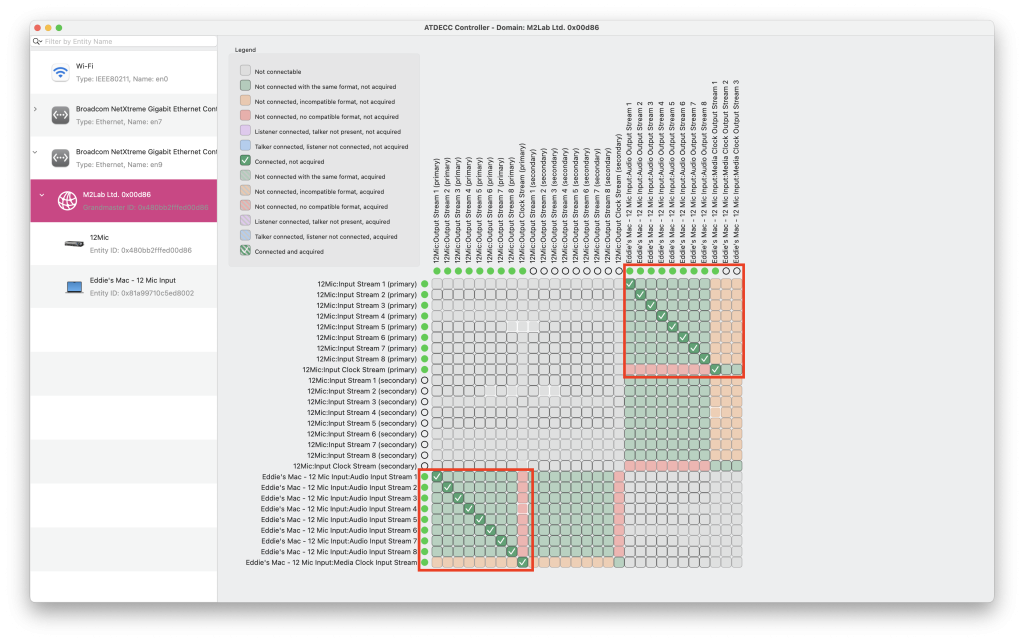
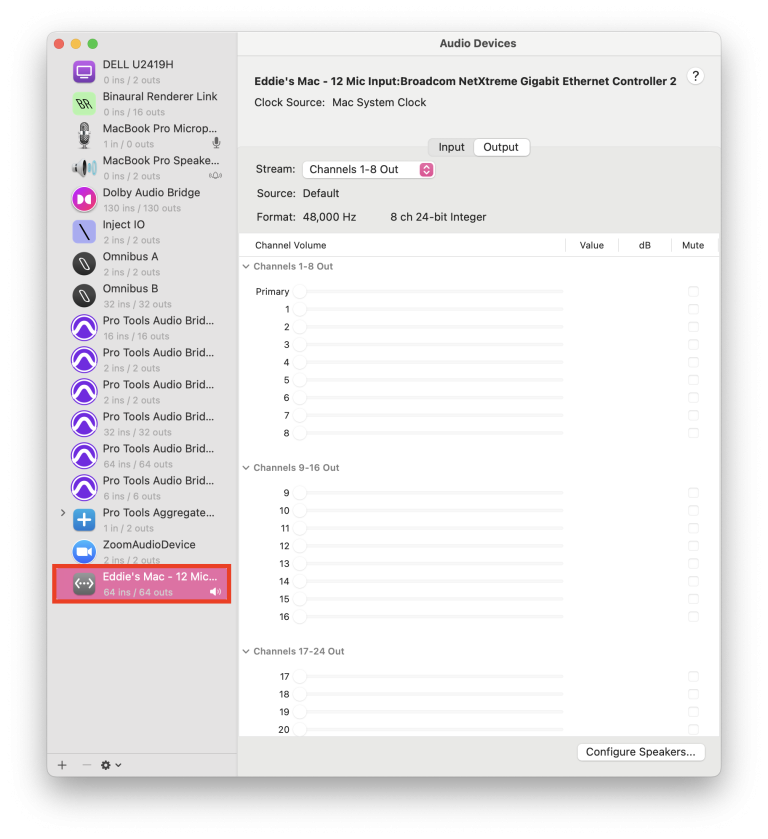
I’ve made sure to connect the corresponding input, output and clock streams from the 12 mic to my Mac’s AVB entity. Now this is all connected, we can head back to Audio MIDI setup and voila – you’ll now see my Mac’s AVB entity is available as a core audio device. As we’ve linked up the I/O and clock streams together, anything that is entering my 12 mic will appear as an input in my 12 mic, alternatively, any audio travelling to the outputs of my Mac’s AVB entity device, will then travel to my 12 mic’s outputs.