
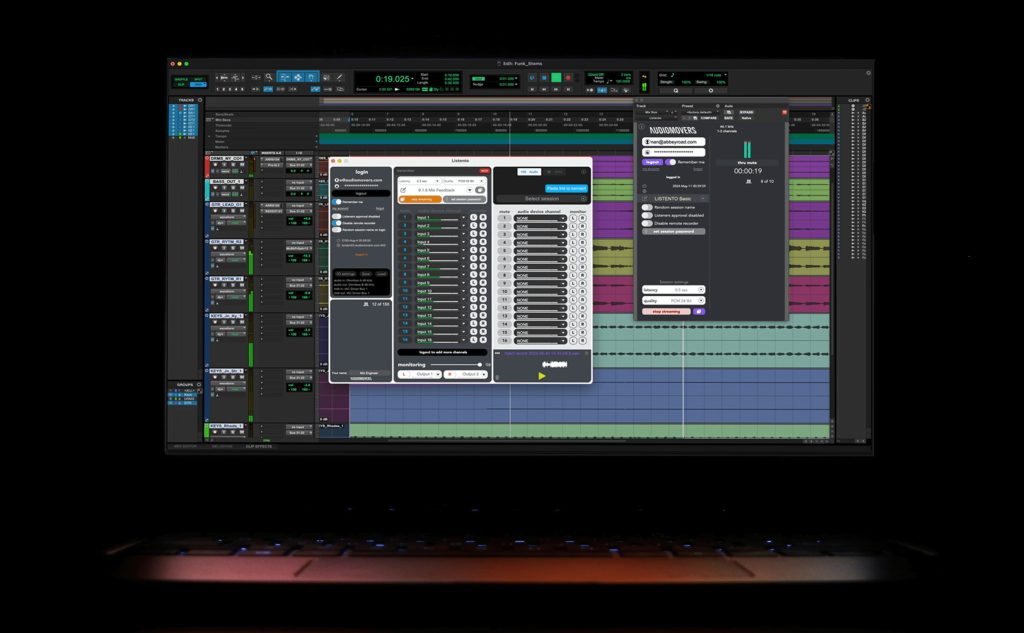
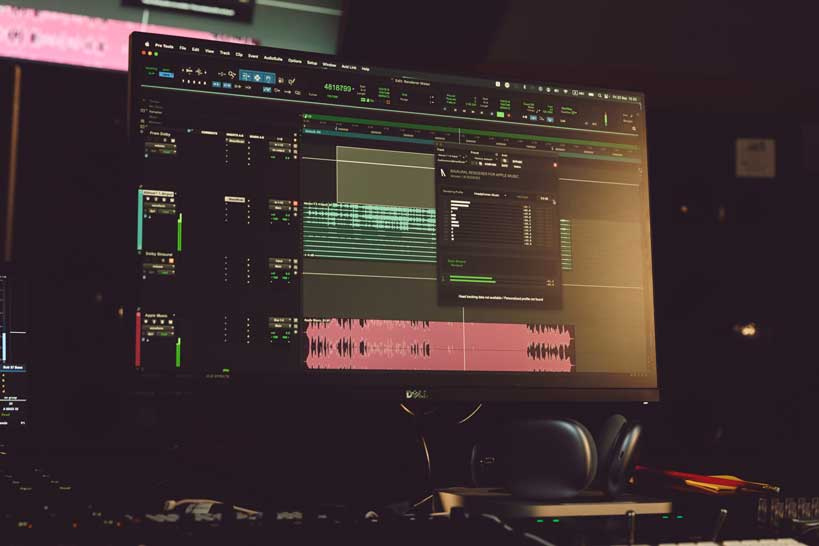


Live streaming is an incredible way for artists, producers and engineers to create secondary revenue streams, and establish and nurture their online fan bases. It can also provide them with the opportunity to learn new skills, techniques and workflow hacks.
However, setting up your live stream can be a complicated process. Most opt for OBS (Open Broadcaster Software), a free, open-source software for video recording and live streaming.
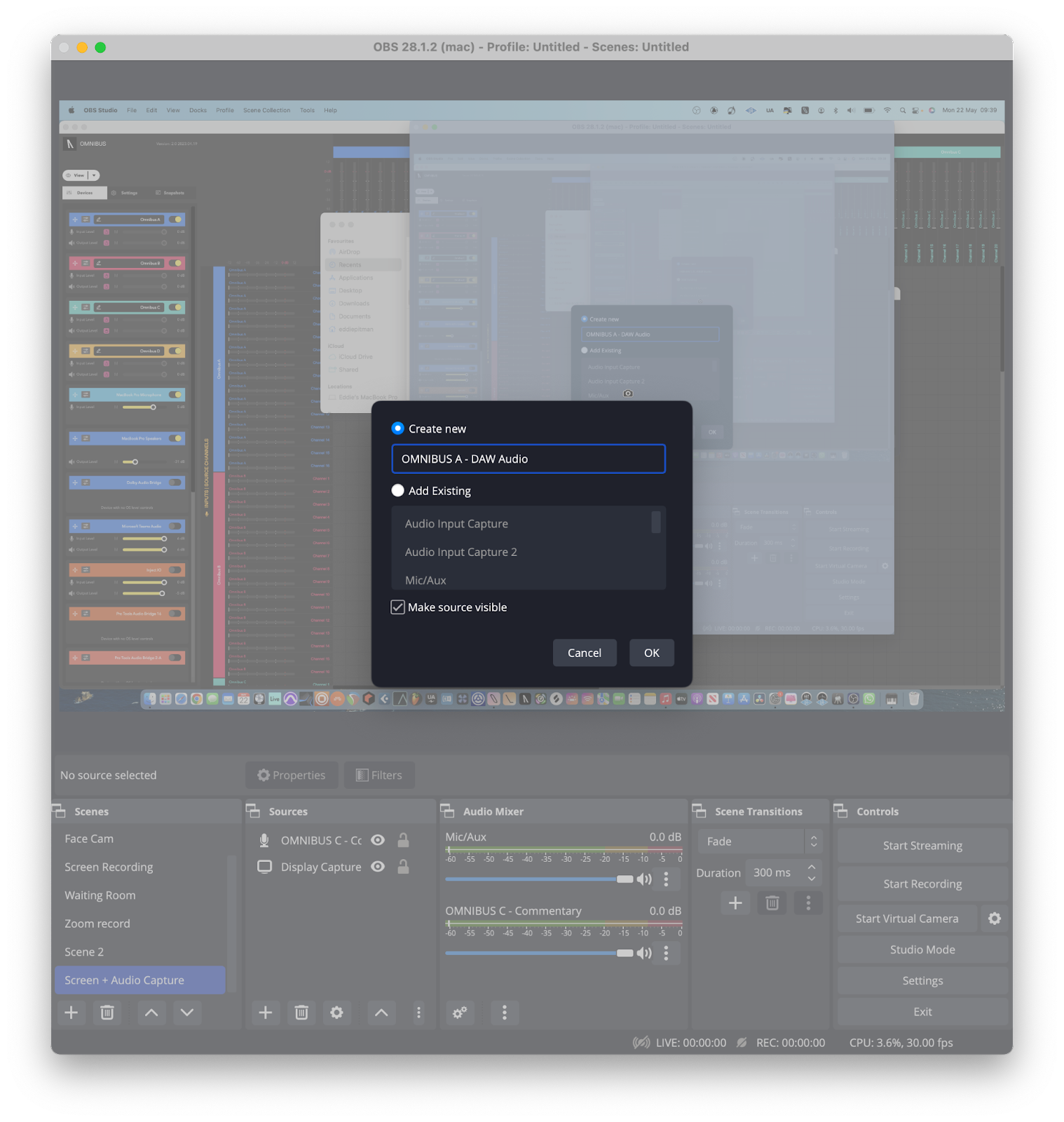
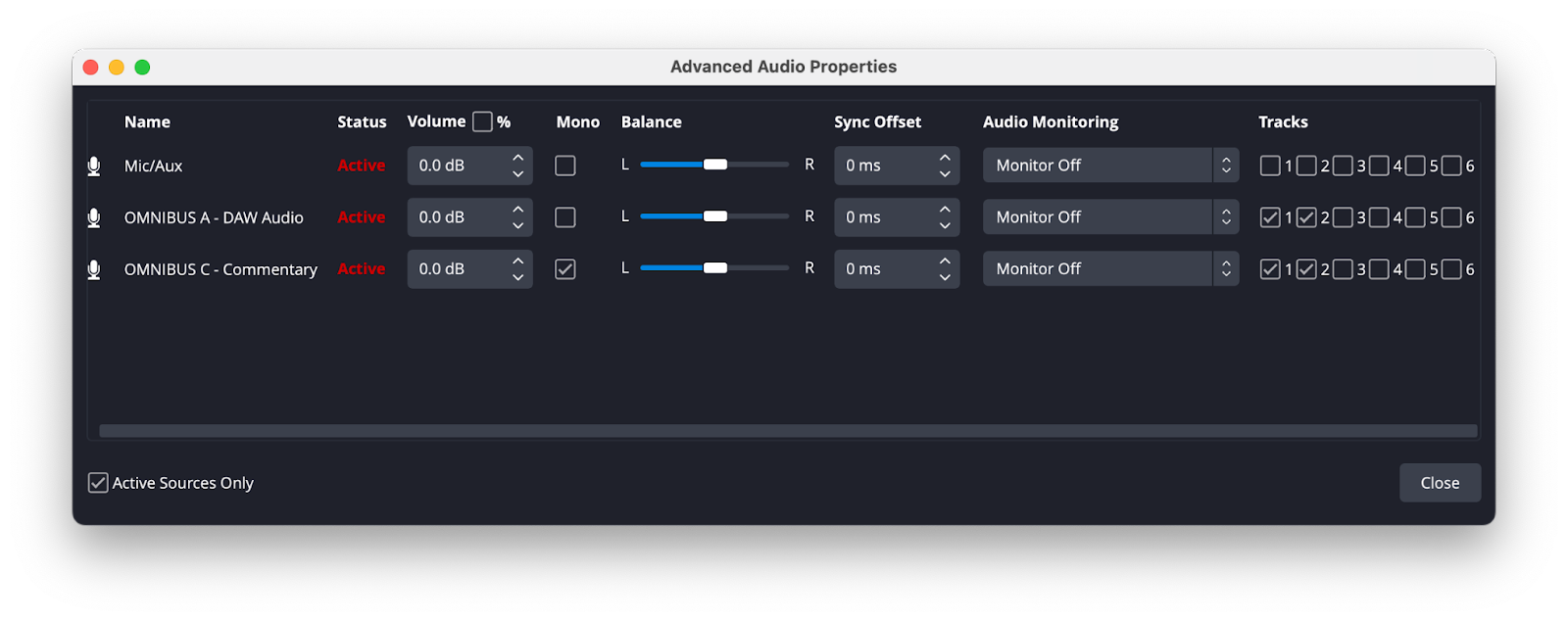
Thanks to our newly updated OMNIBUS tool, it has never been easier to live stream audio from multiple applications using OBS. Below we break down how you can use OMNIBUS in conjunction with OBS when live-streaming sessions to an audience.
Why use OMNIBUS with OBS?
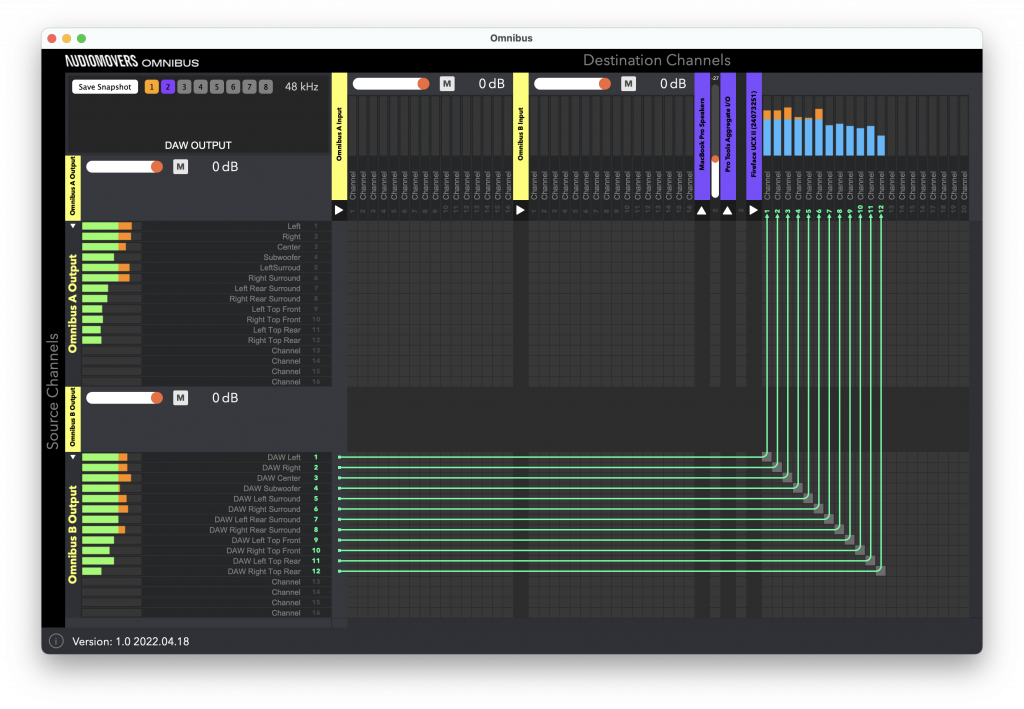
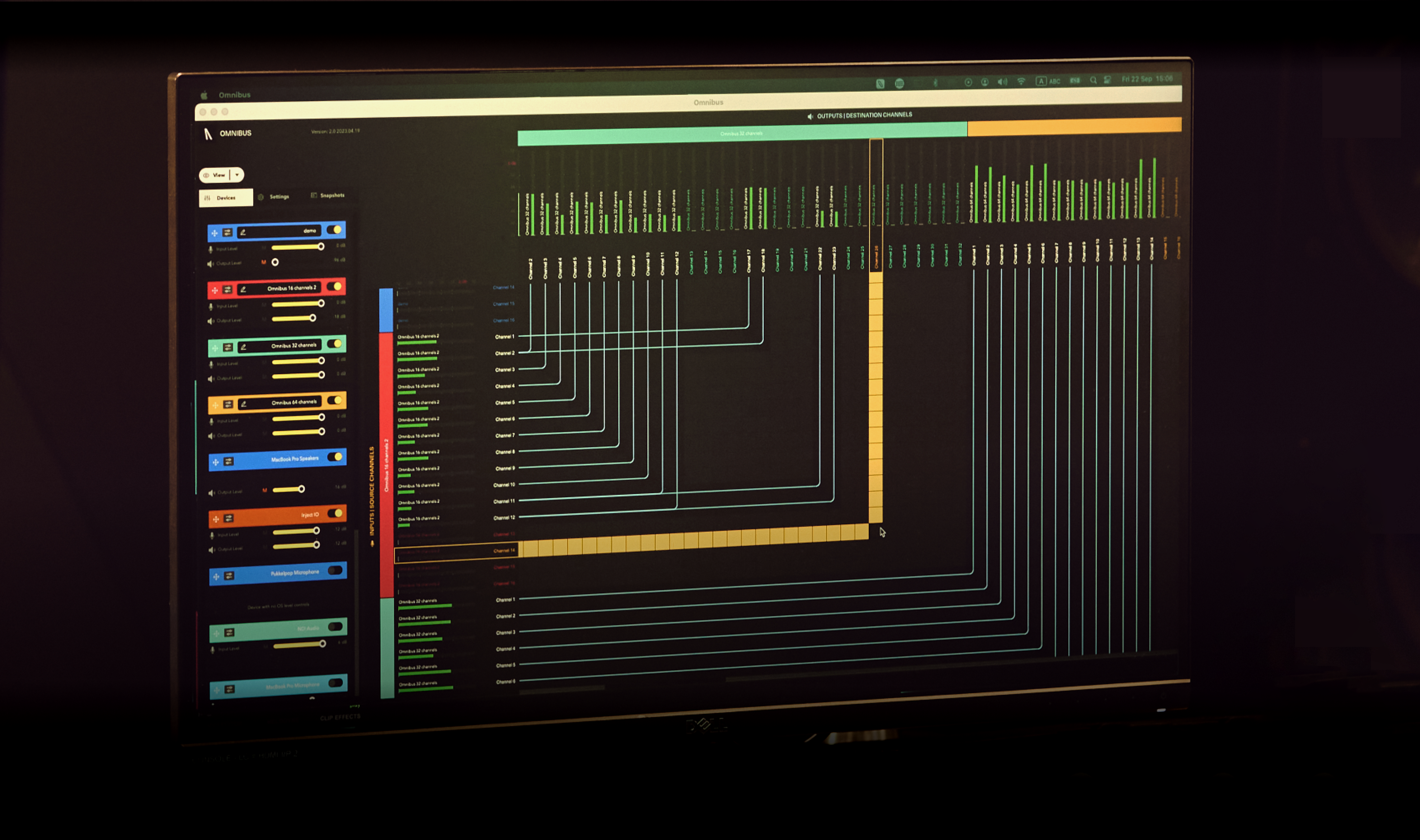
OMNIBUS is a software solution for seamless audio routing within your Mac. It allows you to route between applications and hardware inputs and outputs, split audio from one source to several destinations for easy A/B, combine audio input devices for DAW outputs and quickly sample audio from various sources.
It offers an intuitive interface and streamlines the audio routing workflow, making it accessible for all users, from beginners and absolute professionals.
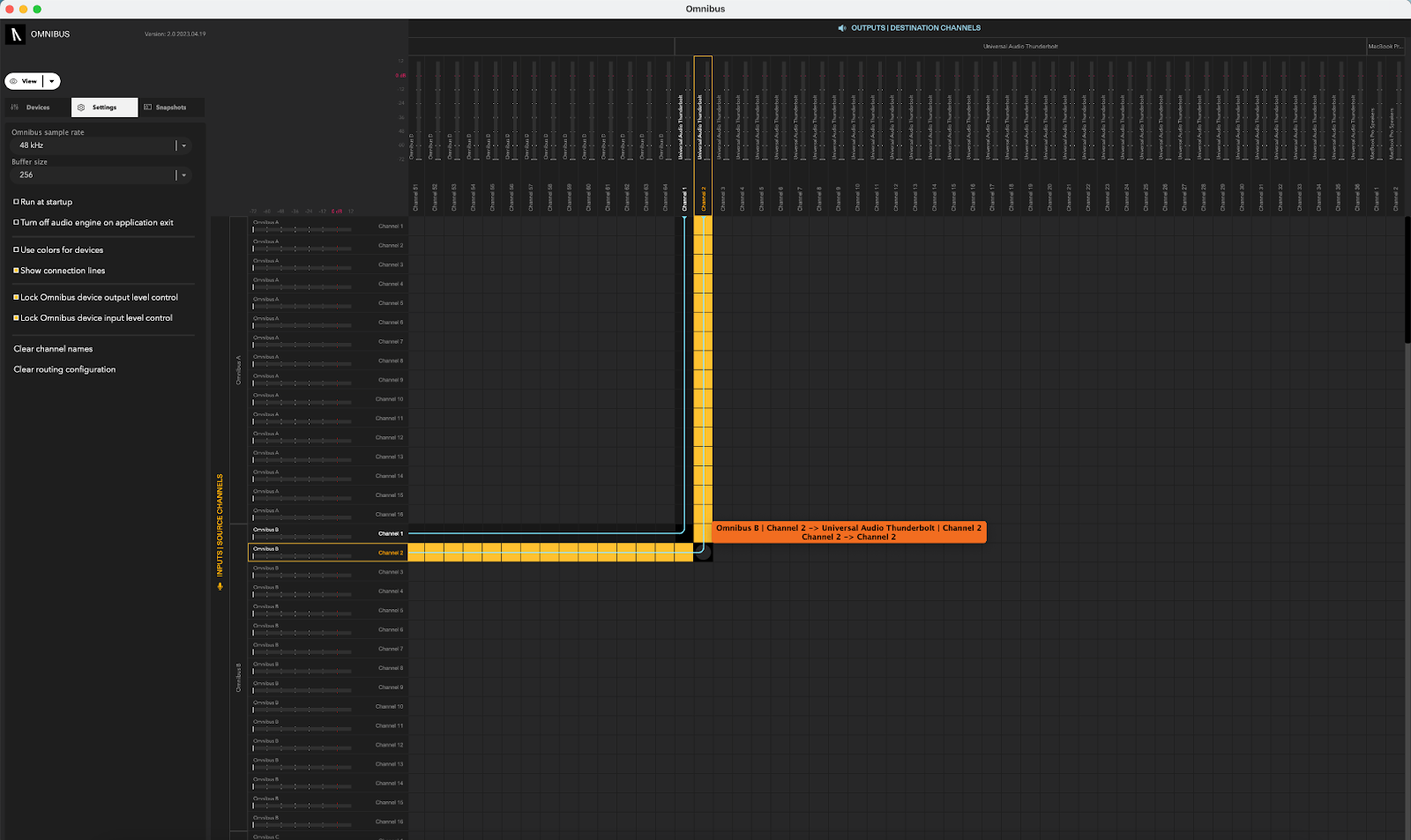
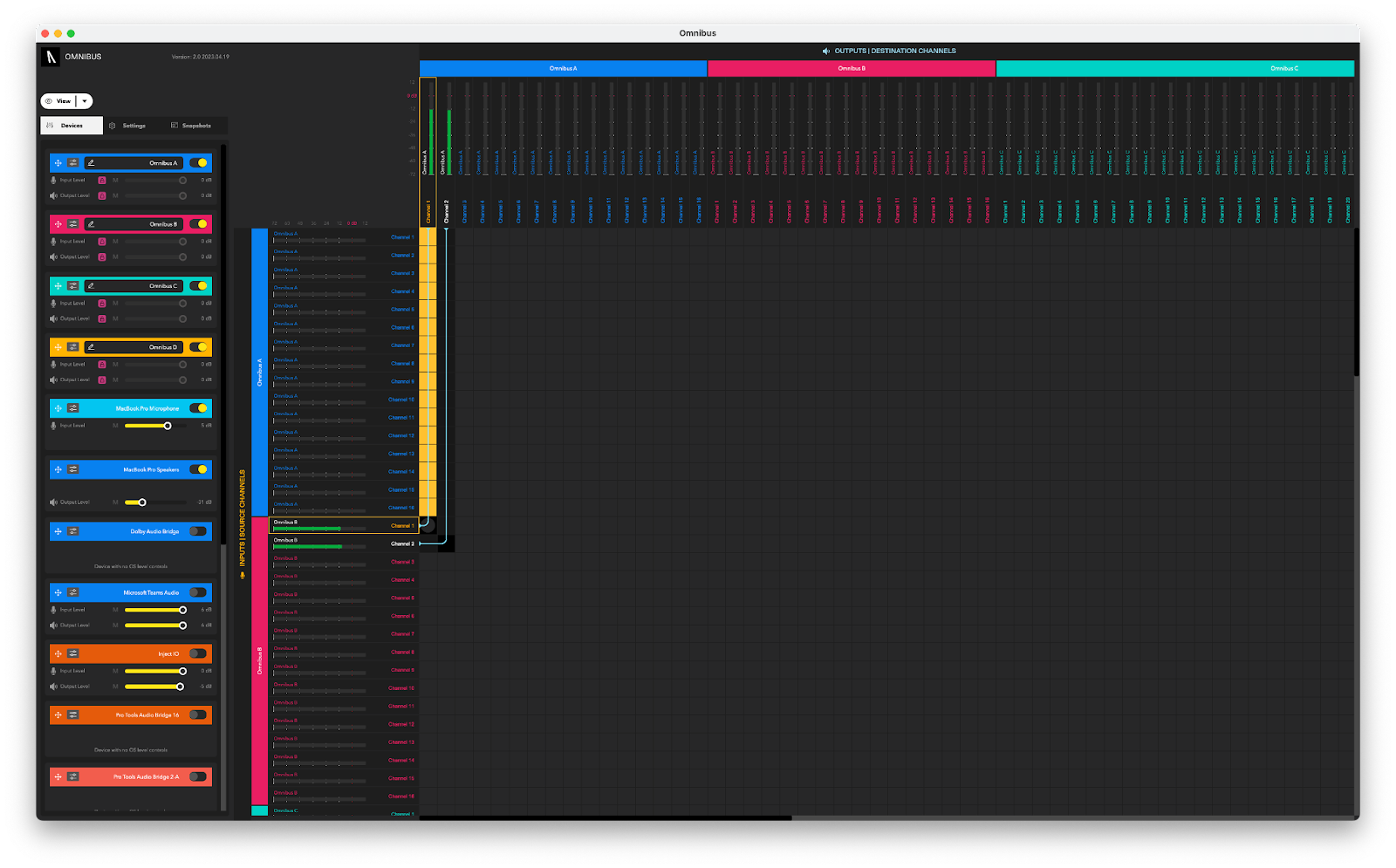
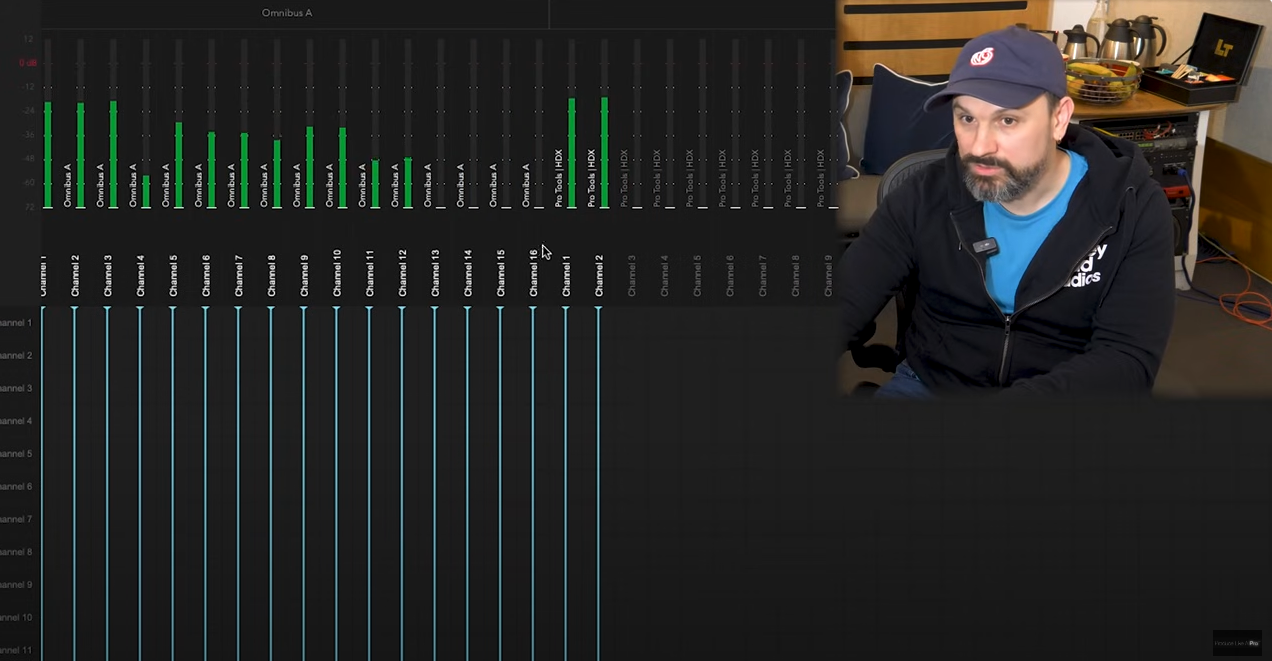
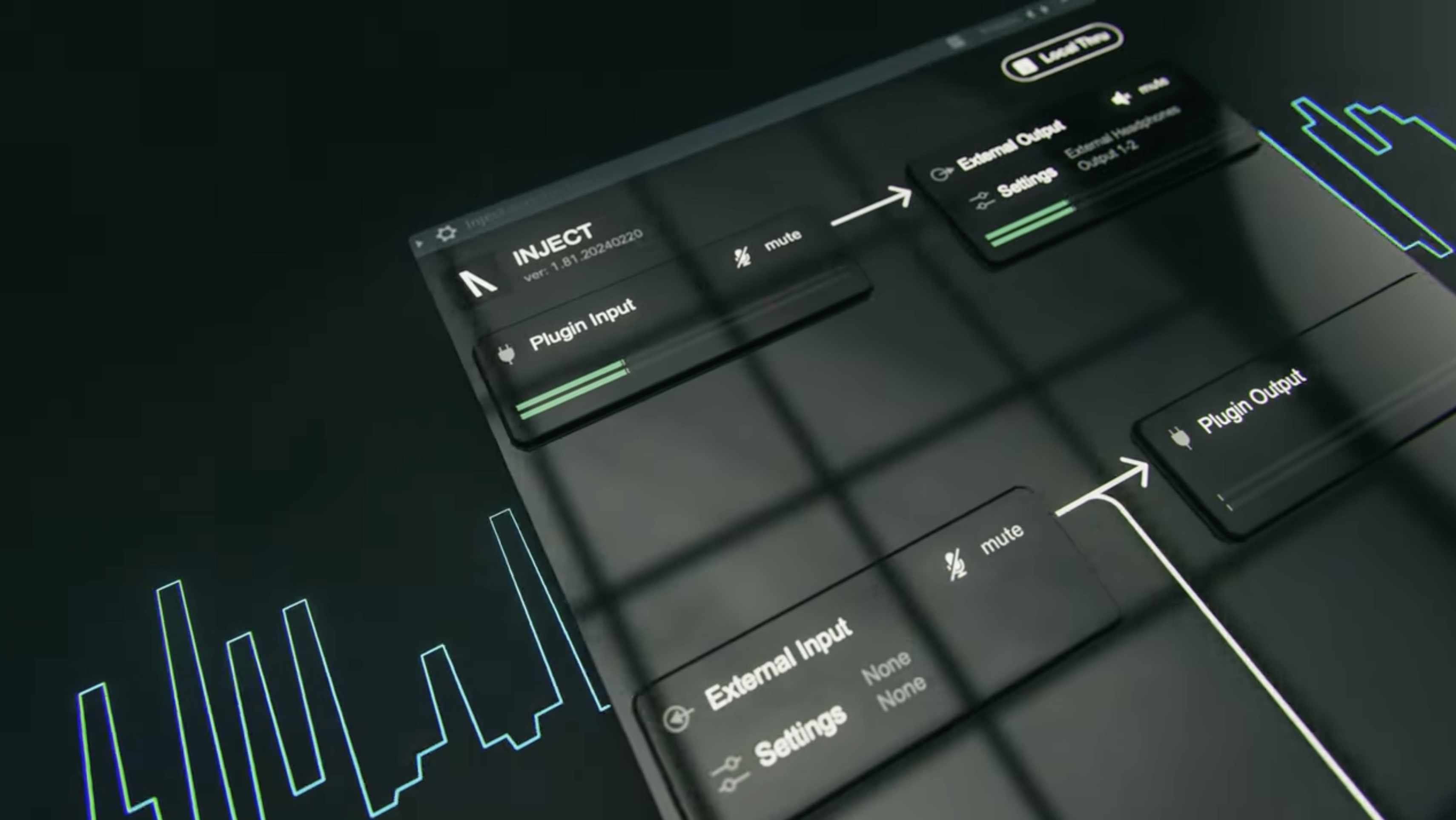
OMNIBUS has an easy-to-use routing matrix, allowing you to simply click the connections between devices you want to make. It also allows you to save and recall complex routing setups with ‘snapshots’, which you can label for ease of finding in future and also has precise metering and support for hardware inputs and outputs meaning it can adapt to even the most demanding scenarios.
Let’s see how OMNIBUS makes capturing application audio easy with OBS.