
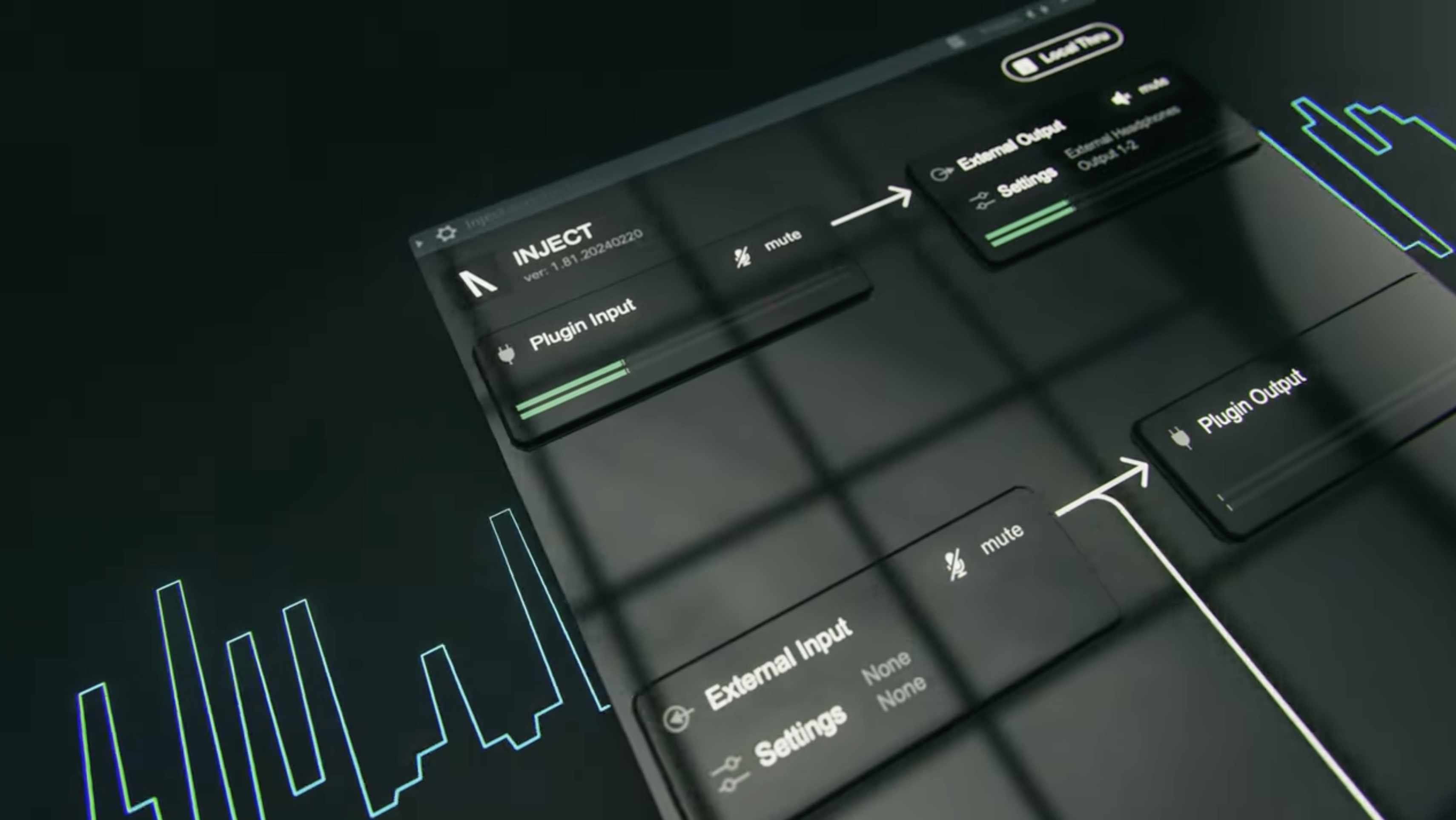



When you plug your iPad/iPhone into your Mac and go to audio MIDI setup, it will appear in the audio device list with a 'enable' button next to it. Click on enable and INJECT will now be able to utilise your iPad/iPhone as an audio device.
Why won't INJECT see my iPad/iPhone as an audio device?
To utilise your iPad/iPhone as an external audio device in INJECT on your Mac, you need to enable it as an audio device in 'Audio MIDI Setup'.