Loading...

LISTENTO
From $12.99 p/m
Stream/receive up to 128 channels of lossless, low latency audio, from any DAW to the world.
PUBLIC BETA NOW AVAILABLE
OMNIBUS 3.0
$199.99
The ultimate virtual patchbay – now with AVB & NDI networking and Stream Deck support.
NOW AVAILABLE ON WINDOWS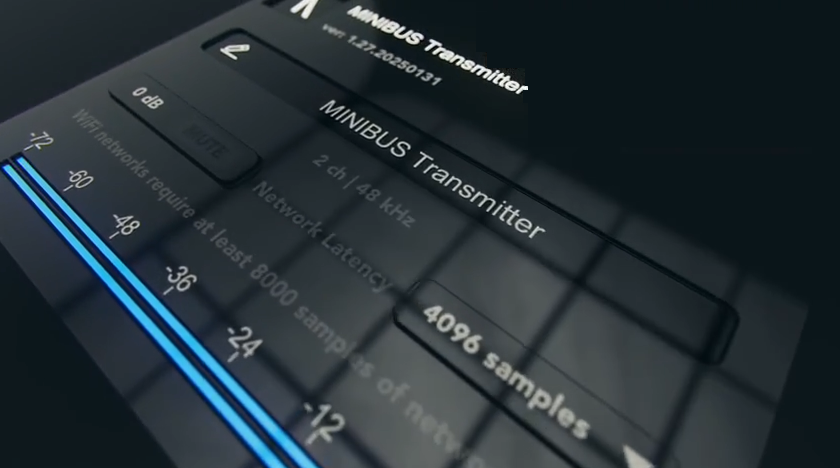
MINIBUS
$49.99
A virtual aux cord for your studio. With no need for aux cords or interfaces.
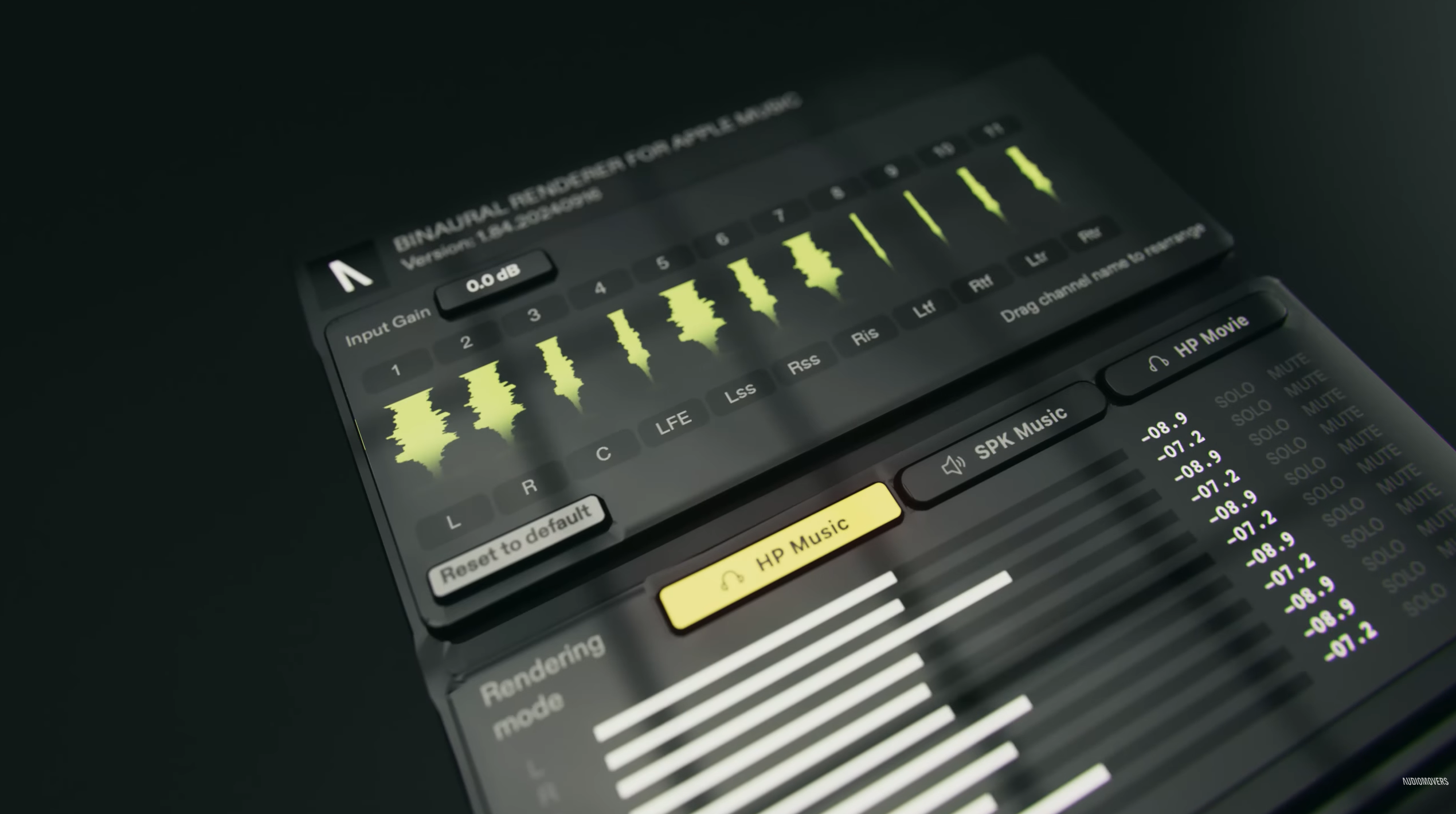
Binaural Renderer
$79.99
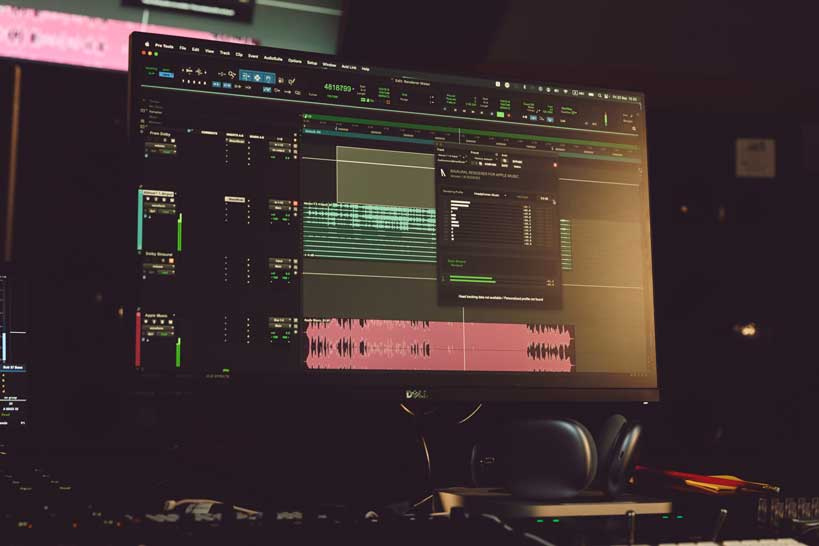
For MacOS – Hear how your Dolby Atmos sessions will sound on Apple Music.
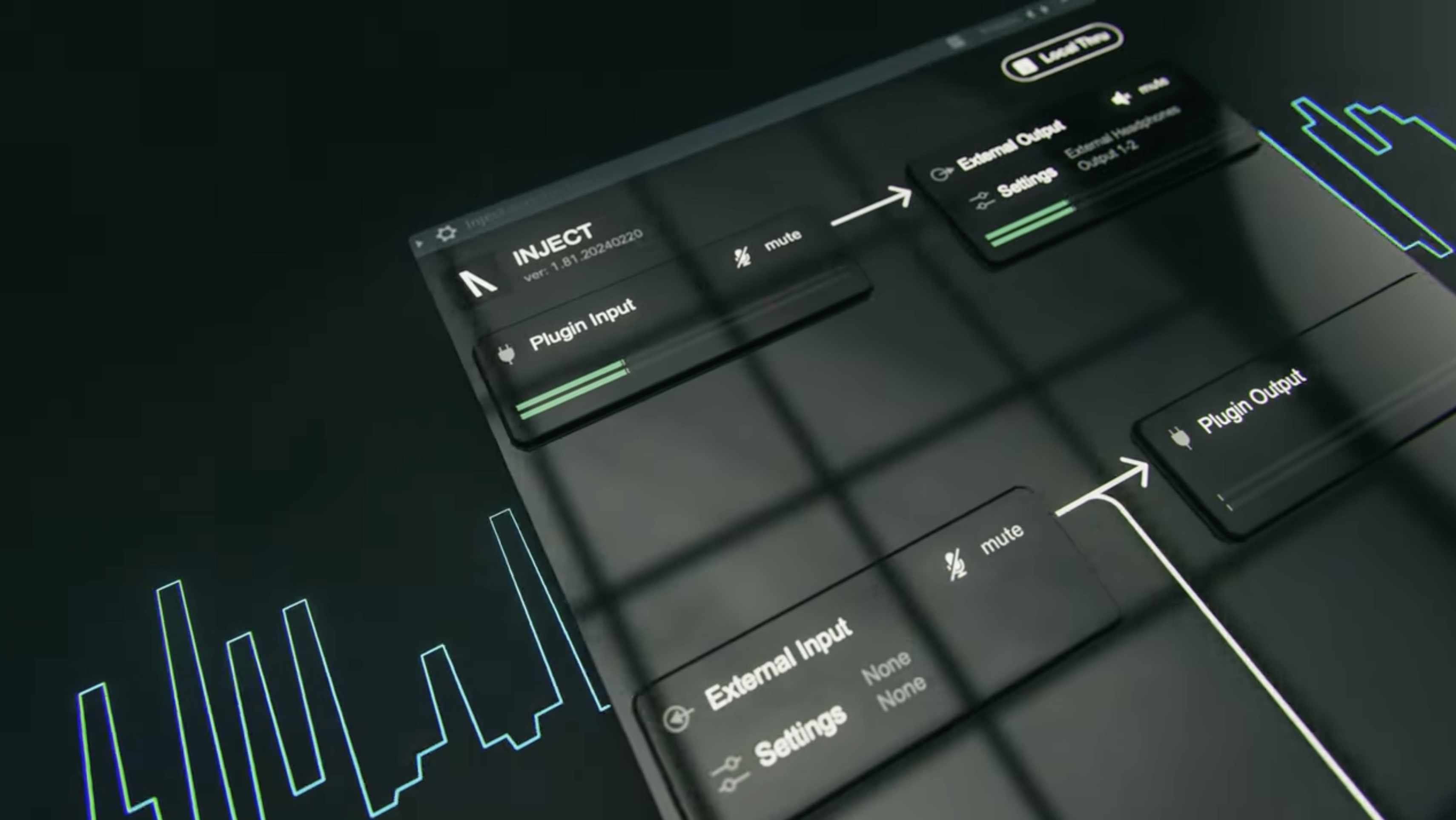
INJECT
$49.99
Route audio in and out of any channel in your DAW. For Mac or Windows.
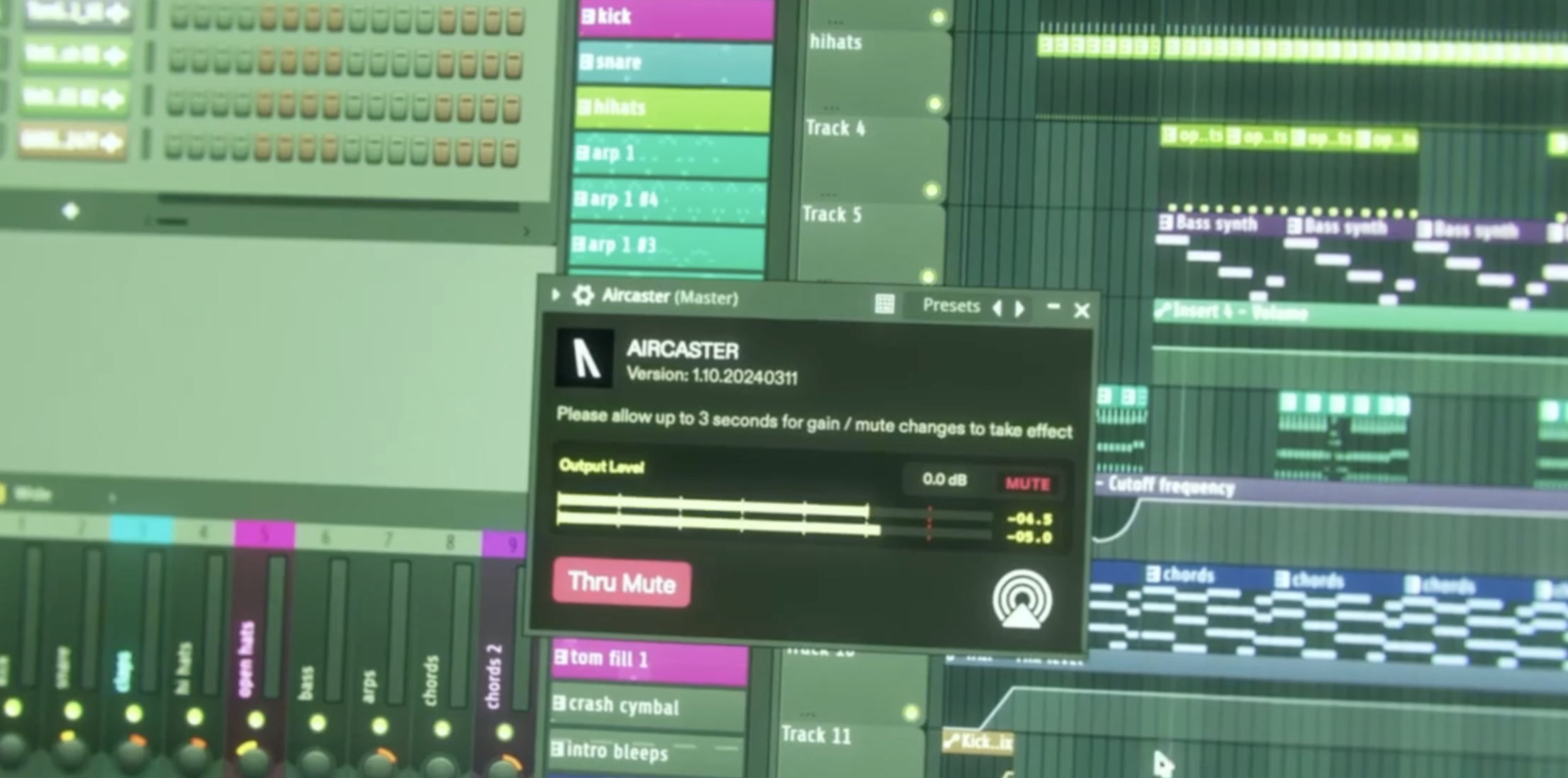
AirCaster
$49.99
Transmit audio from your DAW to any Airplay-enabled device on the same network.
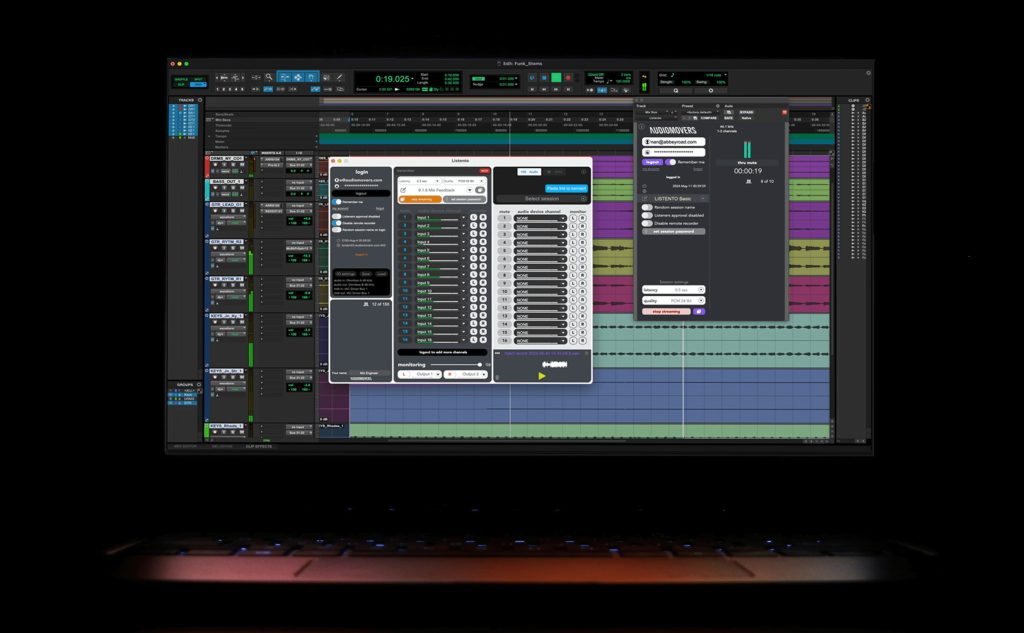
BUSINESS
Learn more
Secure high-quality audio solutions supporting creative businesses worldwide.
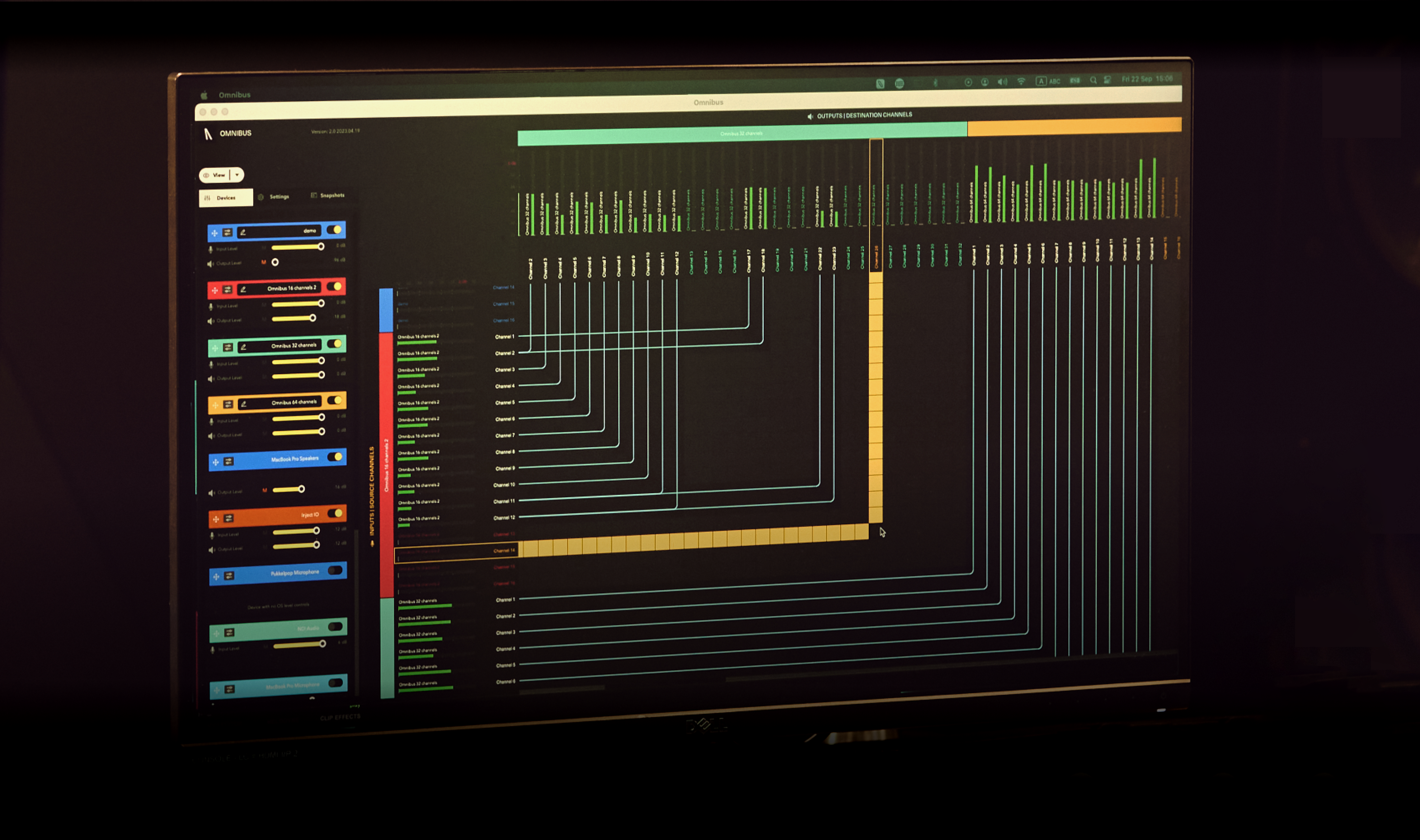
EDUCATION
Learn more
Helping deliver innovative curriculums with next-generation pro audio tools.
STUDENTS
Learn more
Audiomovers can provide the tools you need to support you as you learn.